Most marketing teams don't have a creative problem. They have a creative volume problem. A single product launch can demand 40 ad variants, 12 short-form videos, eight email hero images, and three landing page designs — all within a two-week window. Hiring an agency for that is overkill; doing it in-house on stock photos and Canva is exhaustion.
MiniMax sits in the middle. It's a multimodal AI platform with enough quality and consistency to ship into real campaigns, and a token pricing model that makes high-volume creative generation cheap enough to do in-house. This guide walks through exactly how to use it across the marketing stack — and what it actually costs to replace an agency with it.
The marketing use cases MiniMax handles best
Before the how, the where. MiniMax isn't a fit for every marketing job — it's not going to replace a top-tier brand photographer for a Vogue spread, and it shouldn't try. But for the high-volume, fast-turnaround work that eats most in-house marketing time, it's genuinely useful.
Here's where it shines:
- Paid social ad creative — Meta, TikTok, LinkedIn, X. Lots of variants for A/B testing.
- Short-form social video — 4–10 second clips for Reels, TikTok, Shorts, and Stories.
- Email lifecycle imagery — Welcome series, win-back, newsletter headers.
- Landing page heroes and feature blocks — Concept mockups, product-in-context shots.
- Blog post covers and content marketing graphics — Custom thumbnails, OG images.
- E-commerce product imagery — Lifestyle backgrounds, seasonal variants.
What it doesn't replace well: on-location photography, celebrity or talent shoots, regulated industries with strict imagery compliance (finance, pharma, legal), and campaigns that need a single, hero-grade visual that will be the focal point of a Super Bowl ad. Use the right tool for the job.
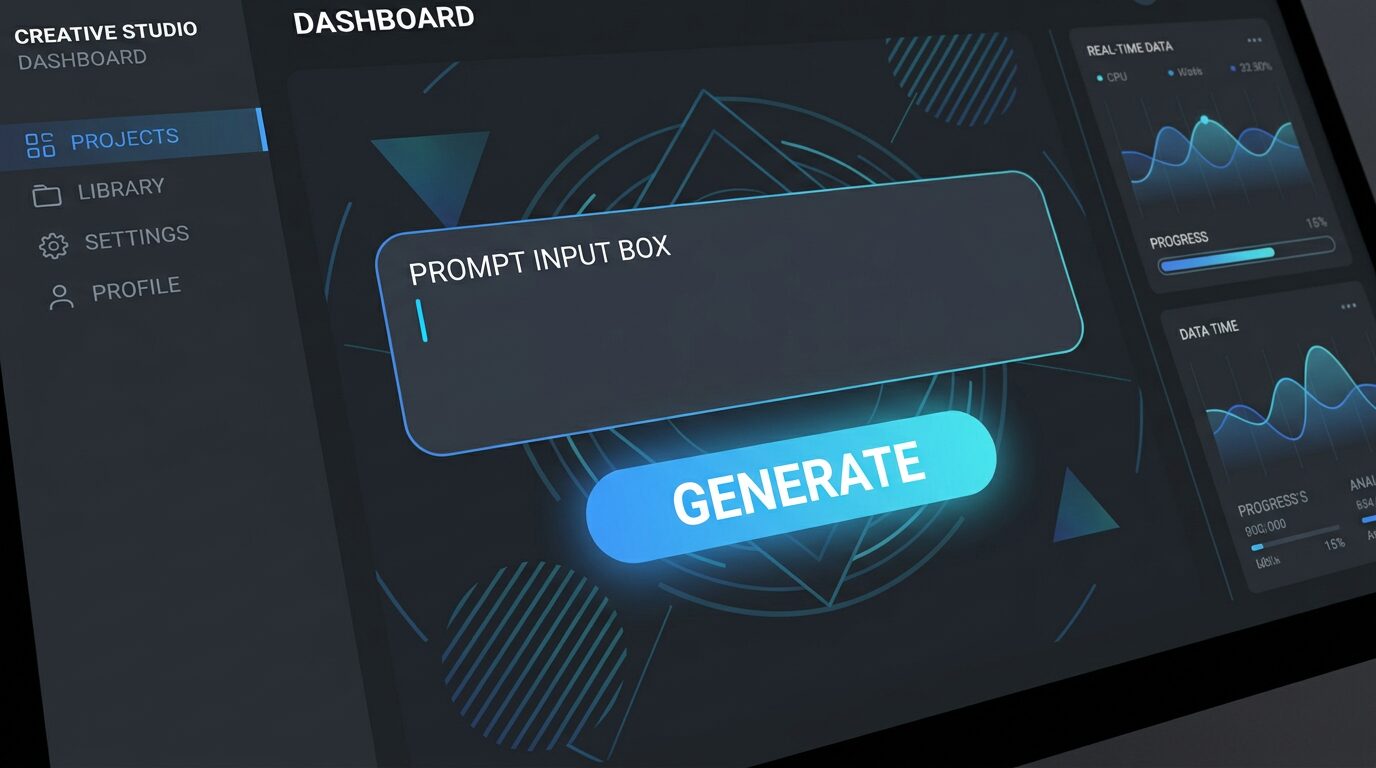
If you're brand-new to the platform, our 10-minute quickstart guide walks you through the first generation. Once you've done that, the marketing-specific workflows below assume you're comfortable with the basics.
Ad creative generation at scale
Paid social rewards volume. The platforms themselves run continuous creative-fatigue detection and will throttle a single ad after 7–14 days, regardless of how good it is. The teams winning right now are producing dozens of variants per week and letting the algorithm pick the winners.
MiniMax fits this loop almost perfectly. The workflow that works:
- Define your prompt skeleton. One base prompt per format — square feed ad, 9:16 story, banner. Lock in the brand cues (color palette, model, setting, lighting).
- Generate in batches of 20–30. Vary the angle, the headline overlay composition, the model pose, the background setting. Don't vary brand fundamentals.
- Curate to 5–10 strongest. The platform usually produces 2–3 usable outputs per 10 generated. Pick the ones that hold up at thumbnail size.
- Add copy and ship. Drop them into your ad tool, add the headline and CTA, run the test.
On a Pro plan, this entire cycle costs a few dollars of compute. On Business, you can have two or three marketers running parallel campaigns without the queue slowing down. Either way, you're producing in a week what used to take a freelancer a month.
💡 Pro tip: Save your prompt skeleton as a reusable template. The fastest ad teams I've worked with have a Notion doc of 8–12 prompt templates, one per recurring format.
Try Pro for marketing →Social media video at scale
Short-form video is the highest-leverage format in marketing right now, and also the most expensive to produce well. A single 8-second TikTok with on-screen text and a voice-over is at minimum a half-day of editor time, even with a good template. Scale that to 20 videos a month and you're hiring someone.
MiniMax video generation compresses that timeline. The pattern that works for high-output social:
- Generate 4–8 second clips as raw footage — the platform's sweet spot for cost and quality.
- Generate voice-overs separately with the TTS stack, then layer them in CapCut, Descript, or Premiere.
- Use the API on Business to script a daily auto-generation pipeline: a list of hook + product + CTA combos, batched into 30+ clips per day. The winners get promoted to paid.
For a deeper dive into the video stack itself — model choices, prompt patterns, cost math — the complete video generation guide is worth the read.
Email and landing page imagery
Email and landing pages are the unsexy workhorses of marketing. They're also the highest-ROI assets for most teams — a good email lifecycle can outperform paid acquisition on cost-per-lead for years. The problem is that email teams rarely have time to design 30 unique hero images for a 10-step welcome series.
MiniMax solves the boring problem beautifully. Generate a hero image per email step in a single sitting. Variations for A/B tests cost nothing extra. And because the output is digital-native, you can tune aspect ratios to whatever your ESP (Klaviyo, Mailchimp, Customer.io) needs.
The same applies to landing pages. Modern landing pages are 60% imagery and 40% layout — a strong hero shot, three feature illustrations, a few product-in-context visuals, and a closing CTA card. With MiniMax, that entire asset bundle is a two-hour job, not a two-week job.
Our image generation API guide covers the technical setup if you want to integrate this directly into your email or CMS workflow.
Brand consistency tips
The single biggest risk with AI-generated marketing assets is drift. A batch of 30 ad variants will look like 30 different brands unless you actively lock down the visual fundamentals. Here's what works in production:
- Build a style reference library. 5–10 images that capture your brand's lighting, palette, composition, and mood. Reference them in every prompt.
- Lock the negative prompts. List the styles you don't want — "no stock photo feel, no saturated color grading, no centered subject, no symmetric composition."
- Use the same seed for variants. When you want a batch that should feel like one campaign, pin the seed and vary only the subject. The lighting and palette stay consistent.
- Post-grade in Figma or Photoshop. Even a 5-minute pass with a brand color overlay, a sharpening filter, and a consistent typography card unifies a whole batch.
- Maintain a "hero prompt" per channel. One canonical prompt for square feed ads, one for stories, one for email heroes. Edit the variables, never the core.
Teams that do this consistently ship work that doesn't look AI-generated. Teams that skip it ship work that screams "we used AI for this." The difference is process, not technology.
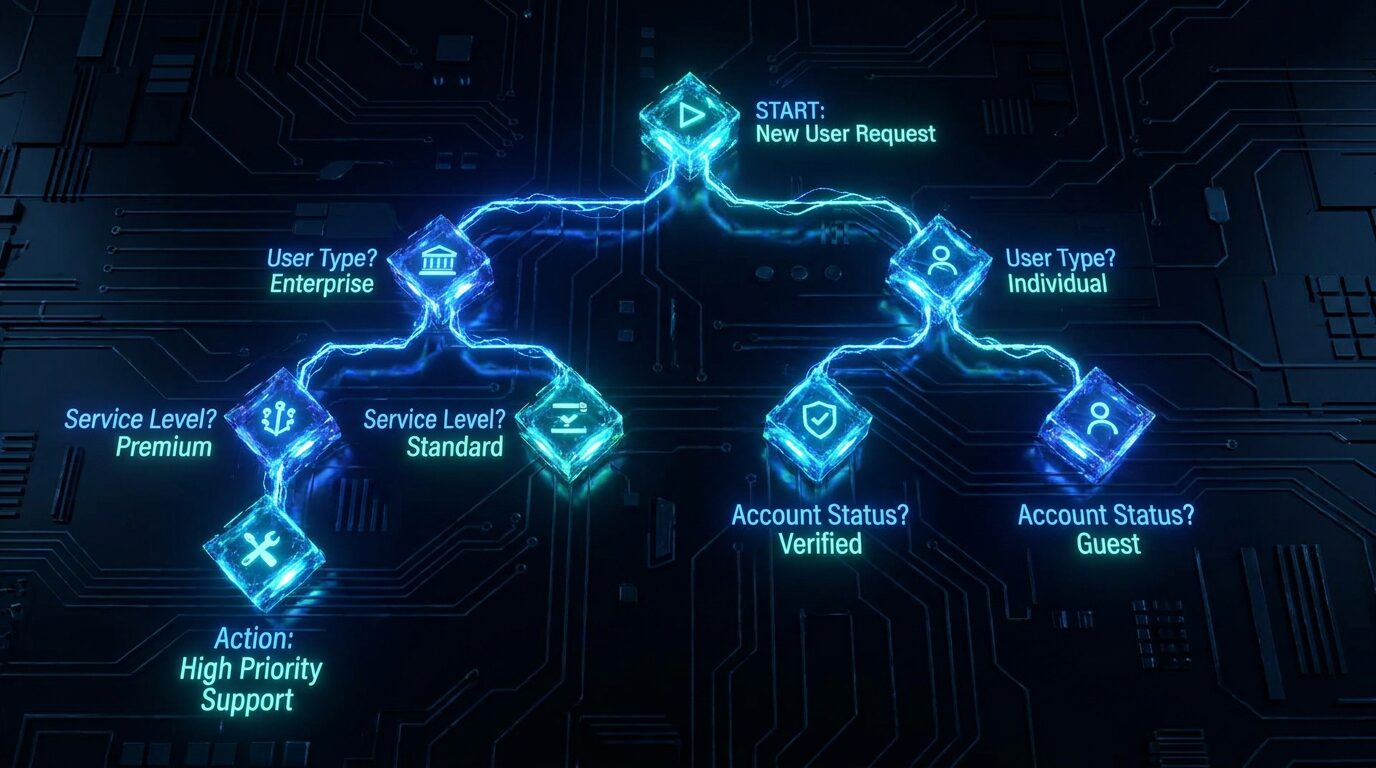
For a deeper prompt-engineering reference, our prompt engineering guide has 50+ tested patterns you can lift directly.
Real cost: MiniMax Pro vs. a traditional agency
This is the question every marketing lead asks first, and most AI guides dodge. So let's do the math honestly.
Take a typical month of in-house marketing for a small e-commerce brand or B2B SaaS company:
- ~100 paid social ad variants (10 campaigns × 10 variants)
- ~20 short social videos (Reels, TikTok, Shorts)
- ~30 email hero images (lifecycle + newsletter)
- ~8 landing page hero / feature images
- ~10 blog post cover images
Total: ~168 multimodal assets per month. Here's what that costs in three different setups.
| Cost component | Traditional agency | In-house designer + freelancer | MiniMax Pro |
|---|---|---|---|
| Retainer / salary | $3,000 – $8,000 / mo retainer | $4,500 – $6,500 / mo (part-time) | $39 / mo subscription |
| Per-asset creative fees | $50 – $300 / asset × 168 | $30 – $120 / asset × 168 | ~$0.01 – $0.04 / asset |
| Stock photo / video licensing | $200 – $800 / mo | $100 – $300 / mo | $0 (originals) |
| Revision rounds | 2–3 rounds included, then hourly | Unlimited, but slow | Unlimited, near-instant |
| Tool stack (Canva Pro, Adobe, etc.) | Included | $100 – $200 / mo | Free tier + Figma |
| Total monthly cost | $4,000 – $15,000 | $5,500 – $9,000 | $39 – $199 |
| Turnaround per asset | 2–5 business days | 1–3 business days | 1–5 minutes |
| Variants per concept | 2–3 (cost-prohibitive beyond) | 3–5 (time-prohibitive beyond) | 20–50 (compute is cheap) |
The numbers are not subtle. The MiniMax column is roughly 1–2% the cost of the agency column, and you get more variants per concept than either human-driven option. The obvious objection is quality — and on that, the honest answer is: for the 80% of marketing assets that are "good enough for a paid ad," MiniMax output is already there. For the 20% that are hero-grade brand campaign visuals, you still want a human in the loop.
Most teams I work with land on a hybrid: MiniMax for the 80%, a designer or agency for the 20%. That's how you get the cost savings without giving up on the brand flagship work.
For a full breakdown of MiniMax's own pricing tiers, our token plans explainer is the place to start.
Frequently asked questions
Can MiniMax AI replace a creative agency for marketing?
For most small and mid-sized teams producing high-volume creative (social ads, product imagery, lifecycle emails), MiniMax on the Pro plan can replace 70–90% of routine agency output at a fraction of the cost. It's less of a fit for high-stakes brand campaigns that need bespoke art direction, on-location photography, or celebrity talent.
Which MiniMax plan is best for marketing teams?
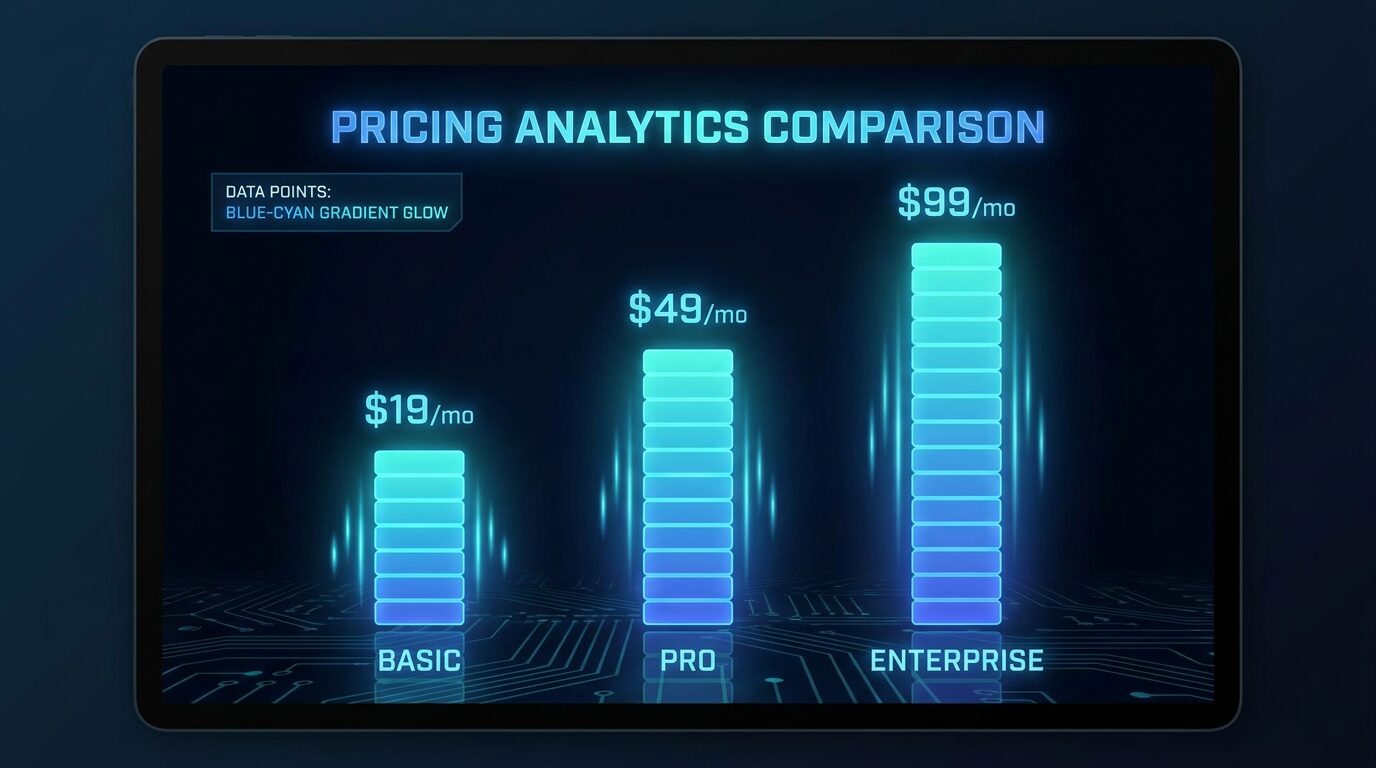
Pro ($39/mo) is the right starting point for solo marketers and small teams. Business ($199/mo) makes sense once multiple people are generating daily or you're running paid social at scale. Enterprise is for in-house creative teams with security review and procurement needs.
Do MiniMax-generated images have commercial usage rights for ads?
Yes — Pro, Business, and Enterprise plans all include commercial usage rights, which covers paid social, display ads, email, and most other marketing channels. Starter is limited to personal or non-commercial projects.
How do you keep AI marketing assets on-brand?
Use a small library of brand reference images (style cues, color, lighting, composition), reuse the same prompt skeleton, pin the seed for variants, and apply a 5-minute post-grade pass in Figma or Photoshop. Saving a "brand prompt template" per channel saves hours per week.
How much does it cost to run a month of marketing creative on MiniMax vs. an agency?
A typical monthly content calendar (roughly 100 ad variants, 20 short social videos, 30 email hero images, 8 landing page hero shots) runs about $39–$199 on MiniMax Pro or Business. The same output from a traditional creative agency usually runs $4,000–$15,000/month, even for small businesses.
Conclusion
MiniMax is a fit for the part of marketing that most teams secretly hate: the high-volume, fast-turnaround creative work that doesn't warrant a freelancer or a retainer, but absolutely has to get done. Ad variants, social video, email heroes, landing page imagery — all of it is now cheap enough to do in-house, fast enough to iterate daily, and consistent enough to look like a coherent brand.
The teams winning in 2025 are the ones that have stopped treating every asset as bespoke. They've drawn the line at hero-grade flagship creative (still human) and moved everything else onto AI workflows. If you're not there yet, the Pro plan is the lowest-risk way to start — and the cost math is hard to argue with.
Ready to ship more marketing, faster?
Start with a MiniMax token plan — pricing is live, you can begin with any tier, and the first generation usually takes under five minutes.
👉 Get Your Token Plan Now*Affiliate link — we may earn a commission at no extra cost to you.